
Plus
Free and Plus
Untimer is free. The timer, your sessions, Active days and every milestone you reach are free with an email address and a password. Plus is $1.99 a month or $19 a year, and it reads back what you recorded: eight more panels in Insights, and the next level of each milestone with how far along you are.
Free
The timer, your sessions and every milestone you reach are free.
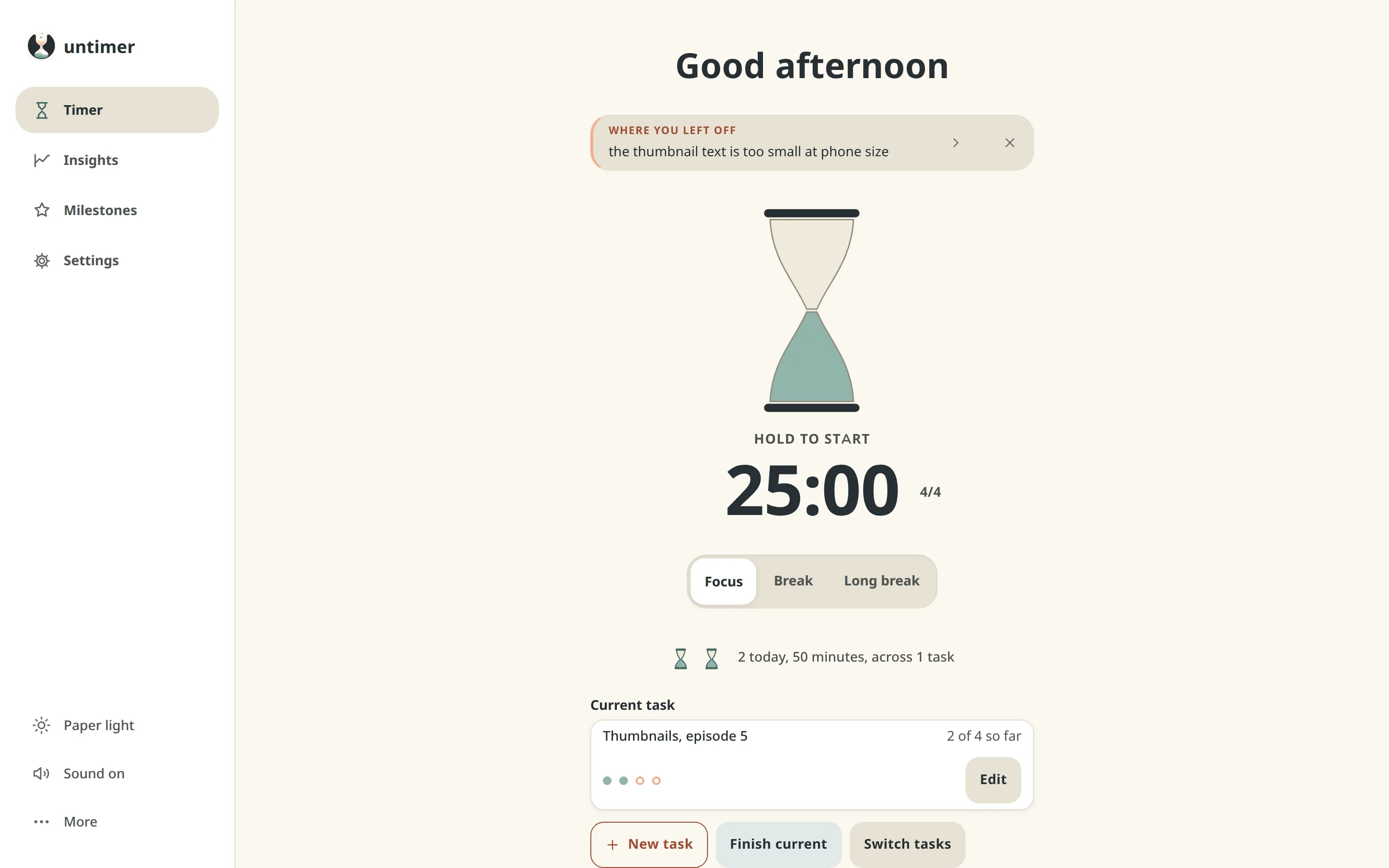
- The hourglass, sessions of twenty five minutes, breaks, the set of four and the long break
- Interruptions, with a line about each one that the message box shows when you return
- Tasks, each with your guess at how many sessions it will take and what it took
- The day strip, the Days list with every session that ran, and Active days
- Every milestone you reach
- Paper light and warm dark themes, and it installs as its own window
- A JSON download of everything you recorded, whenever you want it
What Plus shows
Plus adds eight more panels to Insights.
Insights keeps every session, and Plus adds eight panels that read the sessions back. After a few weeks of sessions the panels start answering questions about how you work. The pictures come from a demo account with nine months of sessions.
Sessions by task
Finished tasks are listed with what you said and what each one took, as rows of dots. The gap between the guess and the number is the interesting part, and Untimer draws it plainly: sessions past your guess are drawn as extra dots after a thin line. Below that, bars show how the sessions of the last three months were shared between tasks, with the sessions that had no task in their own row.


Sessions by hour and by weekday
Sessions by hour shows the hour of the day each session started in, and Sessions by weekday shows the day of the week, both over the last year. Together they show when you focus best. Most people have a shape to their week and see it here for the first time. This demo account has a busy morning and a smaller afternoon, and its best day is a Tuesday. Once you can see the shape, you can put your hardest work in the hours where the bars are tallest.

Totals, and Best day, week and month
Totals counts everything that ran, once. It shows six figures:
- Sessions that ran their length
- Hours measured
- Days with a session on them
- Breaks taken to the end
- Tasks finished by hand
- Sets of four completed
Best day, week and month shows the most sessions you ran in a day, in a week and in a month. These are the numbers people reach for when they wonder whether any of it added up, and they show how much it did.


Start and end times
Start and end times shows when the first session of a day usually starts and when the last one usually ends, read from the last three months. A working day has edges, and it helps to know where yours are in practice. The end of the working day that you set in Settings is drawn on the day strip for the same reason.
Interruptions
Interruptions shows every interruption you noticed, month by month over the last year, in its two kinds. From inside is a thought or an urge, and from outside is a person or a phone. After a month or two you know your usual interruptions, and one of them is usually the phone. Knowing it is most of the way to putting the phone in the other room.

The year
Each square is one day, and it is darker the more sessions ran on it. The squares run in columns of weeks, so each column is one week of the year. Holidays read as pale squares and quiet weeks read as quiet. It is the picture of a working year that most people go without, and it is drawn from what actually happened.

Milestones
Plus shows the next level of each milestone and how far along you are.
Milestones have levels, in four groups: Time recorded, Days, Patterns, and Tasks and breaks. Free shows every milestone you reach. Plus also shows the levels still ahead and the count on the way to each one.


Each level is a count of something you did, such as sessions, days or tasks. A level says where you are, and you keep every level you reach. Read about the research behind milestones.
Price
Plus is $1.99 a month or $19 a year.
Plus is sold by Lemon Squeezy, who handle the payment and the tax and appear on your statement. It renews at the end of each month or year until you cancel, and cancelling is a button in the app. Within fourteen days of paying you can ask for the money back and get it, no questions asked.
When Plus ends, the timer, your sessions, Active days and the milestones you reached stay in the app. The download of everything you recorded is free with or without Plus. The terms say the same in full.
Plus
Insights and Milestones$1.99 a month
or $19 a year, paid once
- The eight Insights panels above
- The next level of each milestone
- Cancel any time
Register for free.
Wind the hourglass a few times a day for a couple of weeks. By then there is a record worth reading, and you will know whether you want Plus to read it back. You can unlock Plus in the app whenever you want the extra panels.
Register for free